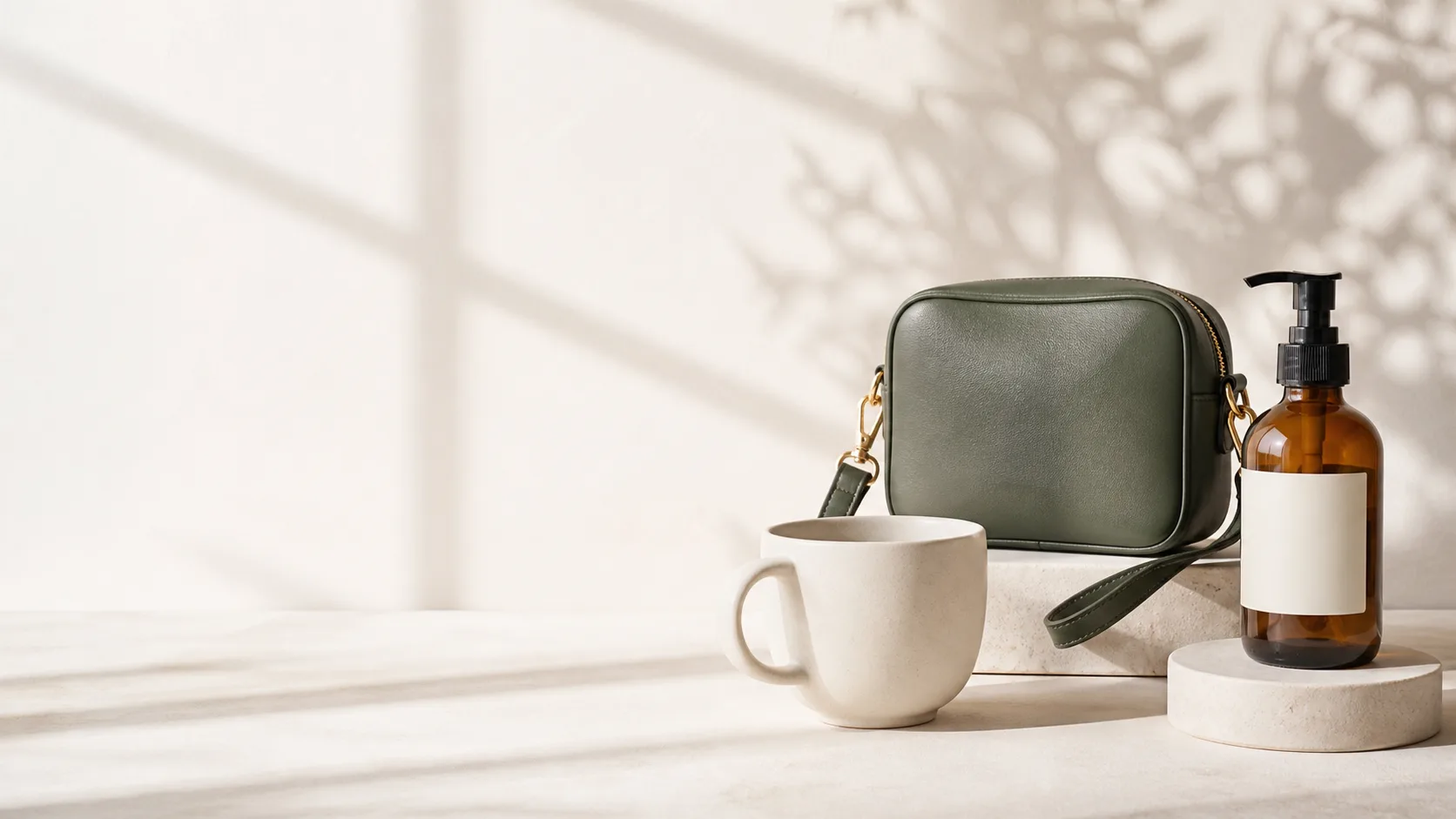
Show the product clearly
Give buyers a cleaner view of the shape, colour, and important details.
Product photos for online sellers
Professional product photos, without the studio cost.
Turn an ordinary phone photo into a polished ecommerce product image with professional product photo editing. No photography or design skills needed.
See the credit cost and review every result before using it.

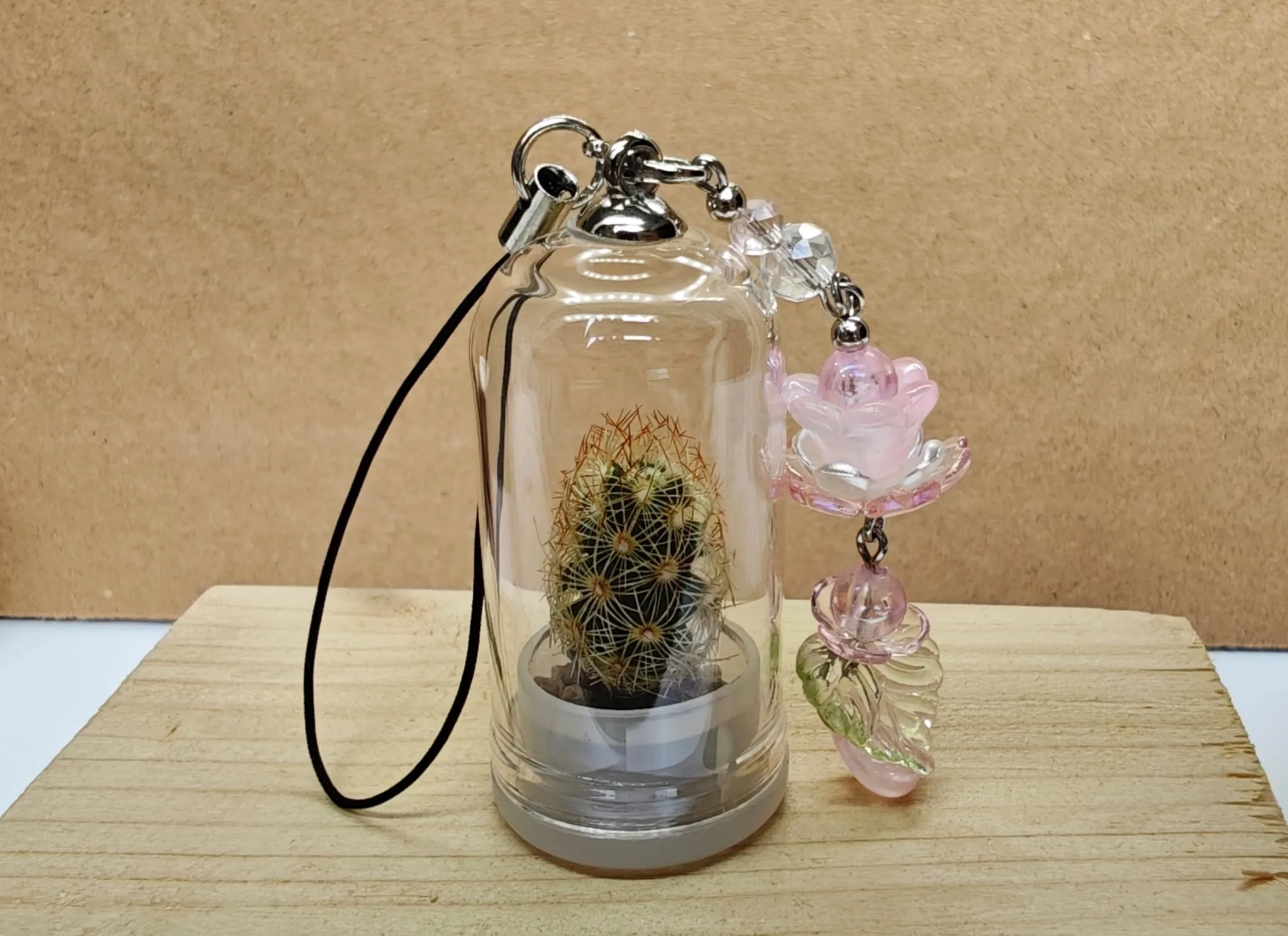
Try the workflow
Prepare one photo as a free trial. Sign in after it is ready to download and save the result.
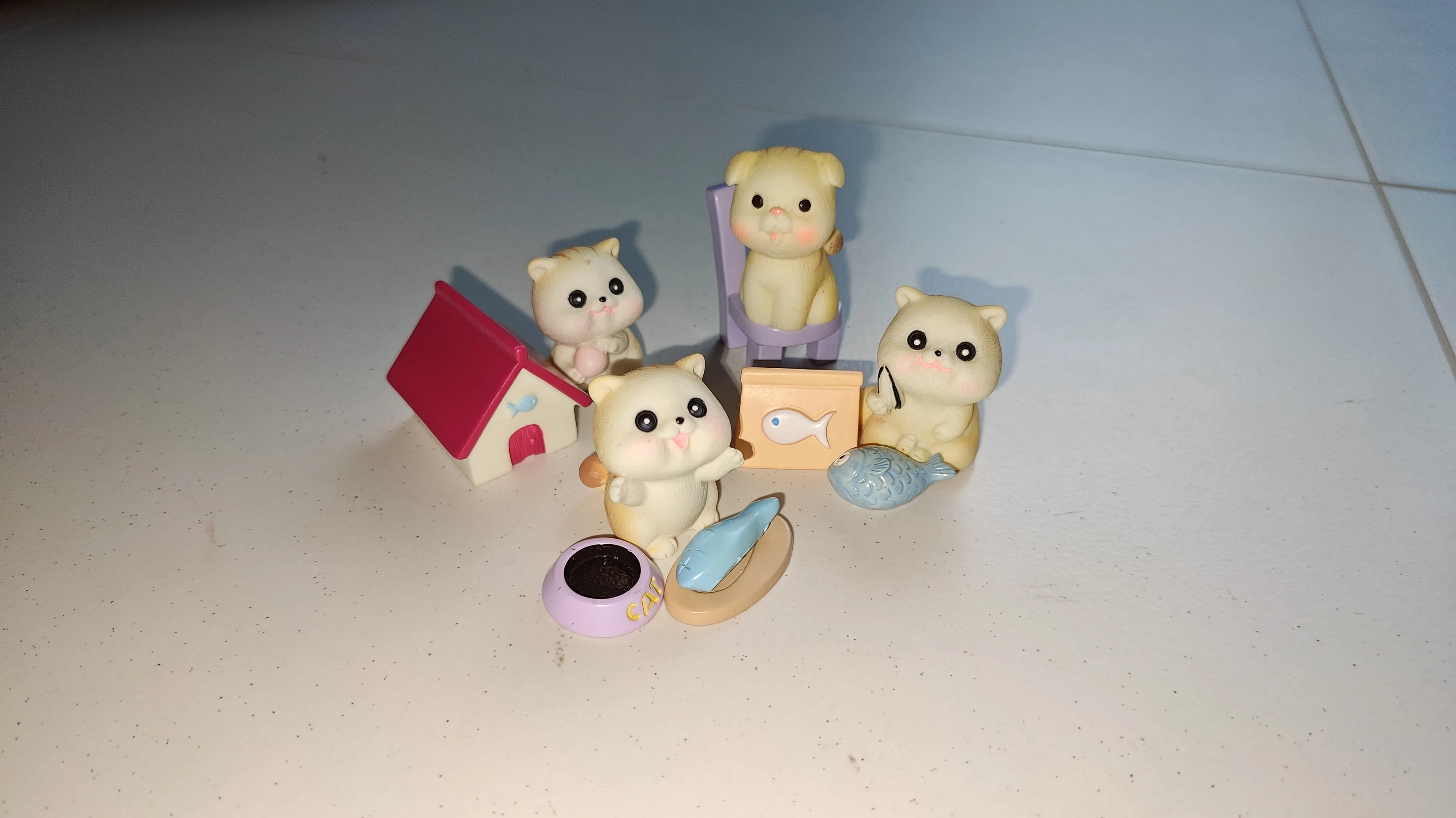
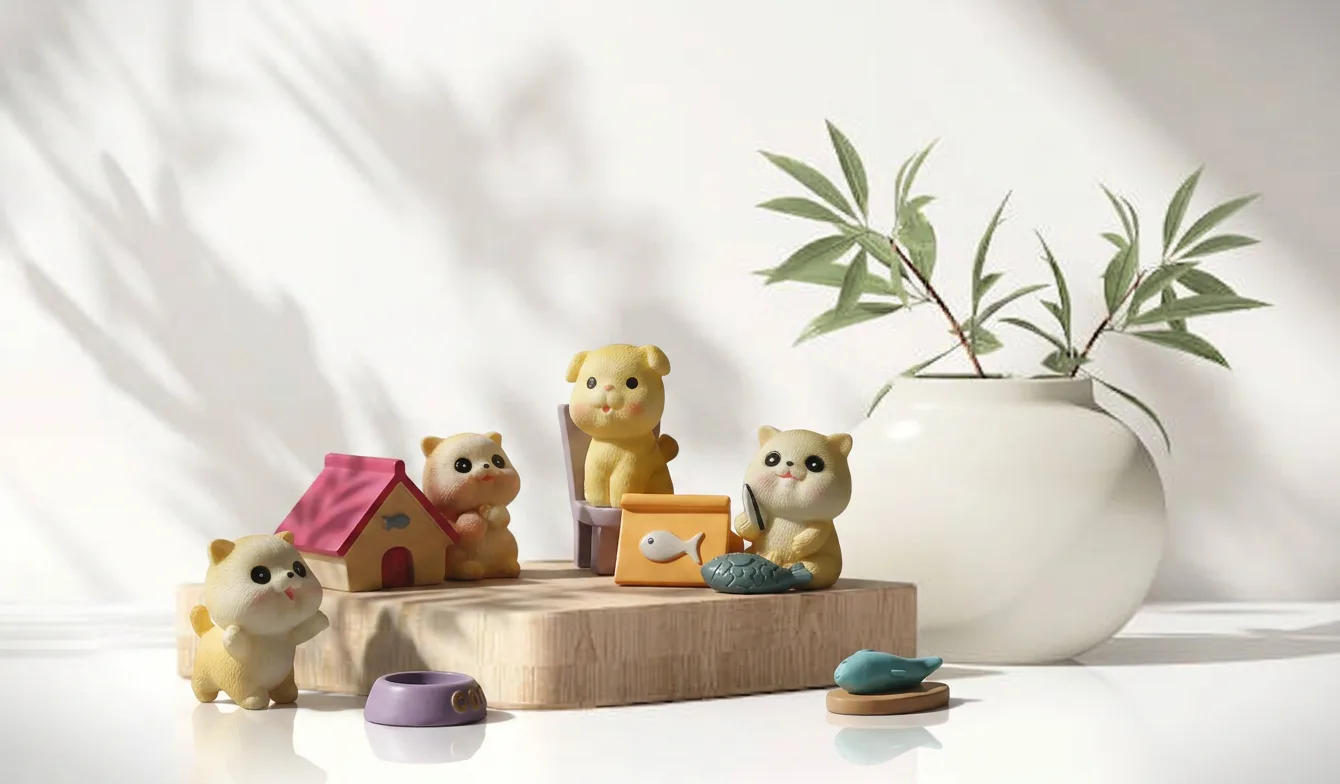
Choose a product photo.
Free trial — no credits needed. Unclaimed results are kept for 24 hours.
Make the product easier to understand
Online buyers cannot hold the product before ordering. Clear, consistent photos help them see what they are considering.
Give buyers a cleaner view of the shape, colour, and important details.
A consistent photo style can make the whole shop feel more careful and trustworthy.
Follow one guided service instead of learning complex photography or design software.
Clearer product photos can help buyers understand your listing and feel more confident about what they are buying. Sales also depend on your product, price, full listing, traffic, and customer demand.
One guided service
Four clear steps. The technical work stays in the background.
Choose a clear product photo from your phone or computer.
Pick a clean background or let AIBAO choose a suitable one.
Check the colour, shape, label, and important product details.
Save a main image, square listing, portrait, story, or wide version.
Professional result without professional skills
You do not need a studio, special camera, or editing experience. Start with one clear phone photo and follow the steps.
Open the photo workspaceA clear phone photo is enough to begin.
Useful improvements are selected before you start.
Nothing should be published before you review it.
One result, several uses
Use clear purpose names and ready dimensions without working them out yourself.


Plans for every shop size
Choose 80 to 1,000 monthly credits with guided preparation, useful sizes, saved photos, review, recovery, and support.
Compare all plansUSD $19 Lite plan/USD $10 profit per order=2 orders
Use your own profit per order for this check. Your actual sales will depend on your products, prices, listings, traffic, and customer demand.You stay in control
Prepared photos can contain changes. Compare every result with the real product before using it in a listing or promotion.
Before you start
No. Start with one clear phone photo, choose a background, and follow the guided steps. Recommended improvements are already selected for you.
Photo preparation can change small details. Compare the result with your original and check colour, shape, labels, text, and important product information before publishing.
Every plan includes monthly credits, guided photo preparation, useful download sizes, saved-photo history, result review, and support.
Clear and consistent photos can help buyers understand a product and feel more confident, but sales are not guaranteed. Results also depend on price, demand, traffic, and the full listing.
The estimated cost appears before preparation starts. Monthly credits are used first, followed by top-up credits when needed.
Finished photos and download sizes appear in My account while they remain available under the current retention rules.